Get started: create your account
Open your MenuOnGo account in about two minutes, sign in and get to know the admin panel.
Creating your MenuOnGo account takes about two minutes. No credit card needed.
Create your account
-
On the Create Account page, type your name.
-
Enter your email address. We send a confirmation code to it.
-
Add your venue’s name.
-
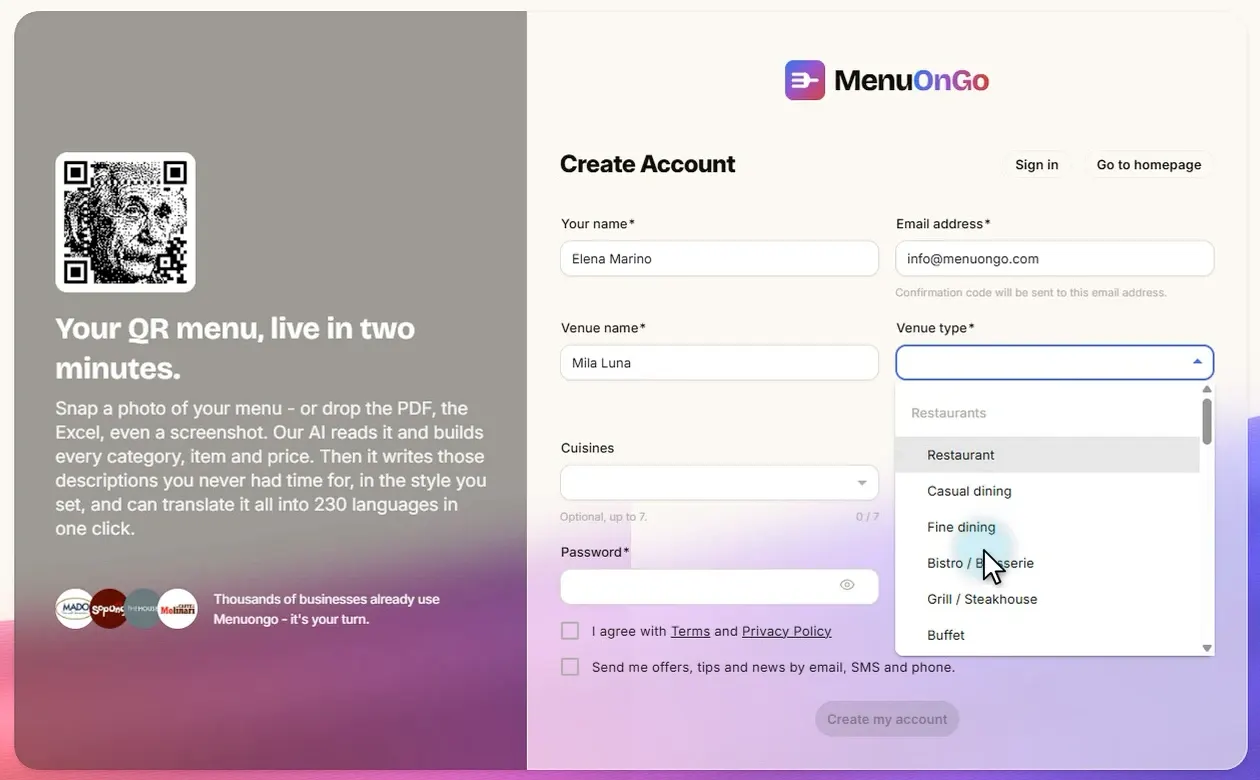
Pick your Venue type (restaurant, café, coffee shop…). It helps AI understand your menu.
-
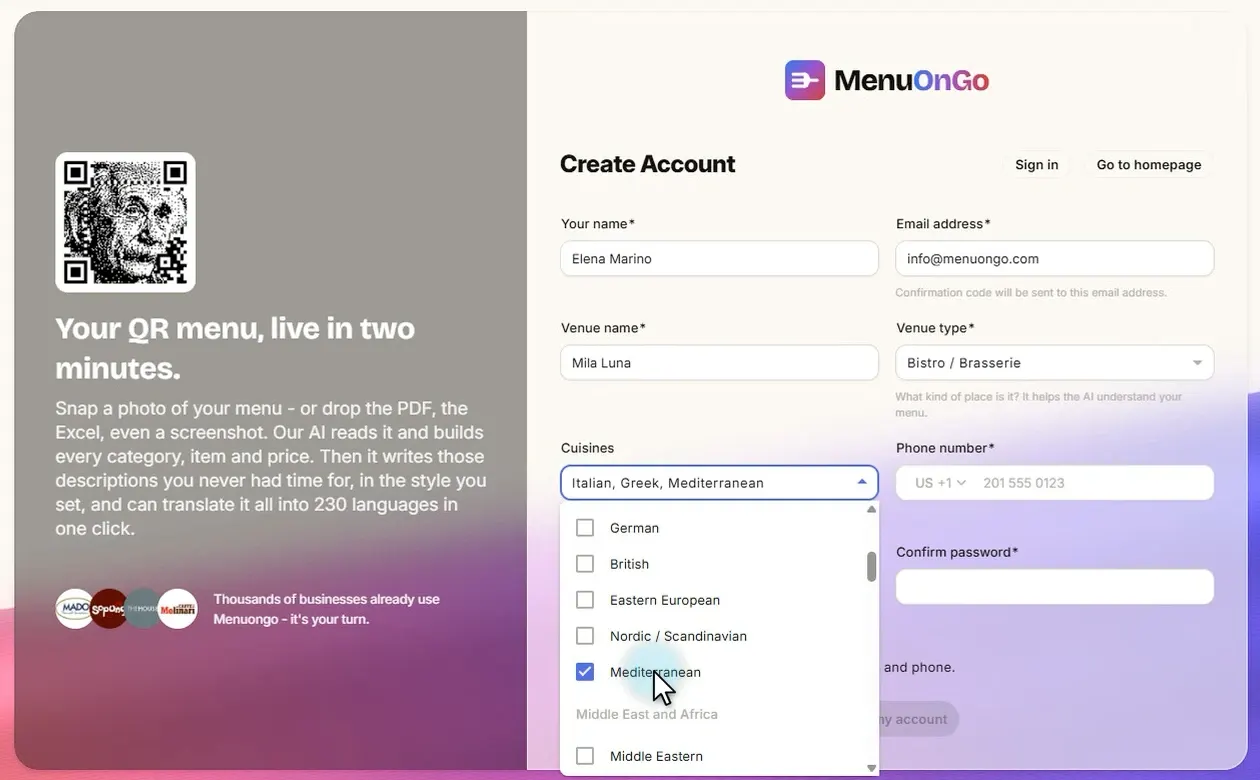
If you like, choose up to 7 cuisines, for example Italian, Greek and Mediterranean. This step is optional.
-
Add your phone number.
-
Choose a password and type it again.
-
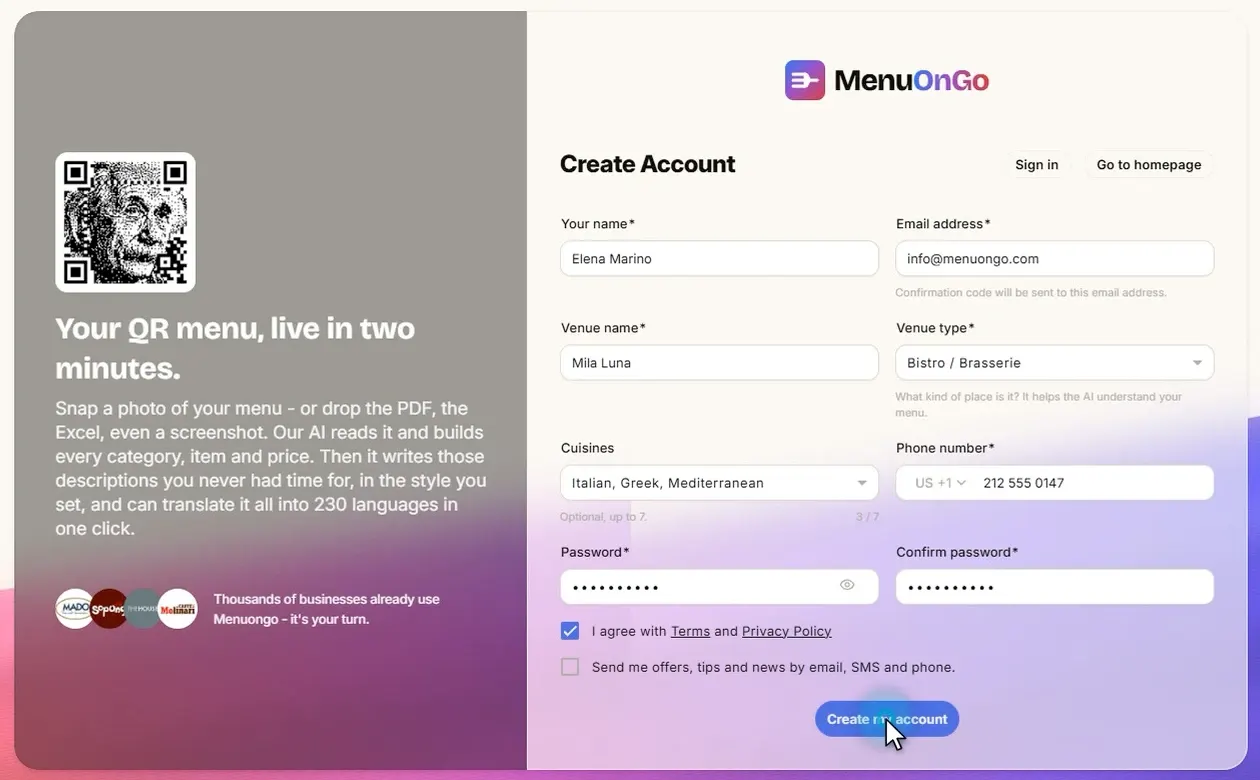
Accept the User Agreement and the Privacy Policy, then click Create my account.
-
Enter the code we email you. Your account is ready.
-
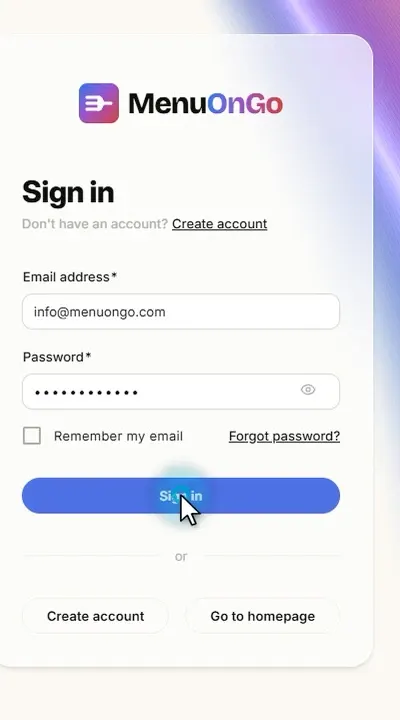
Sign in with your email address and password.
Get to know your panel
-
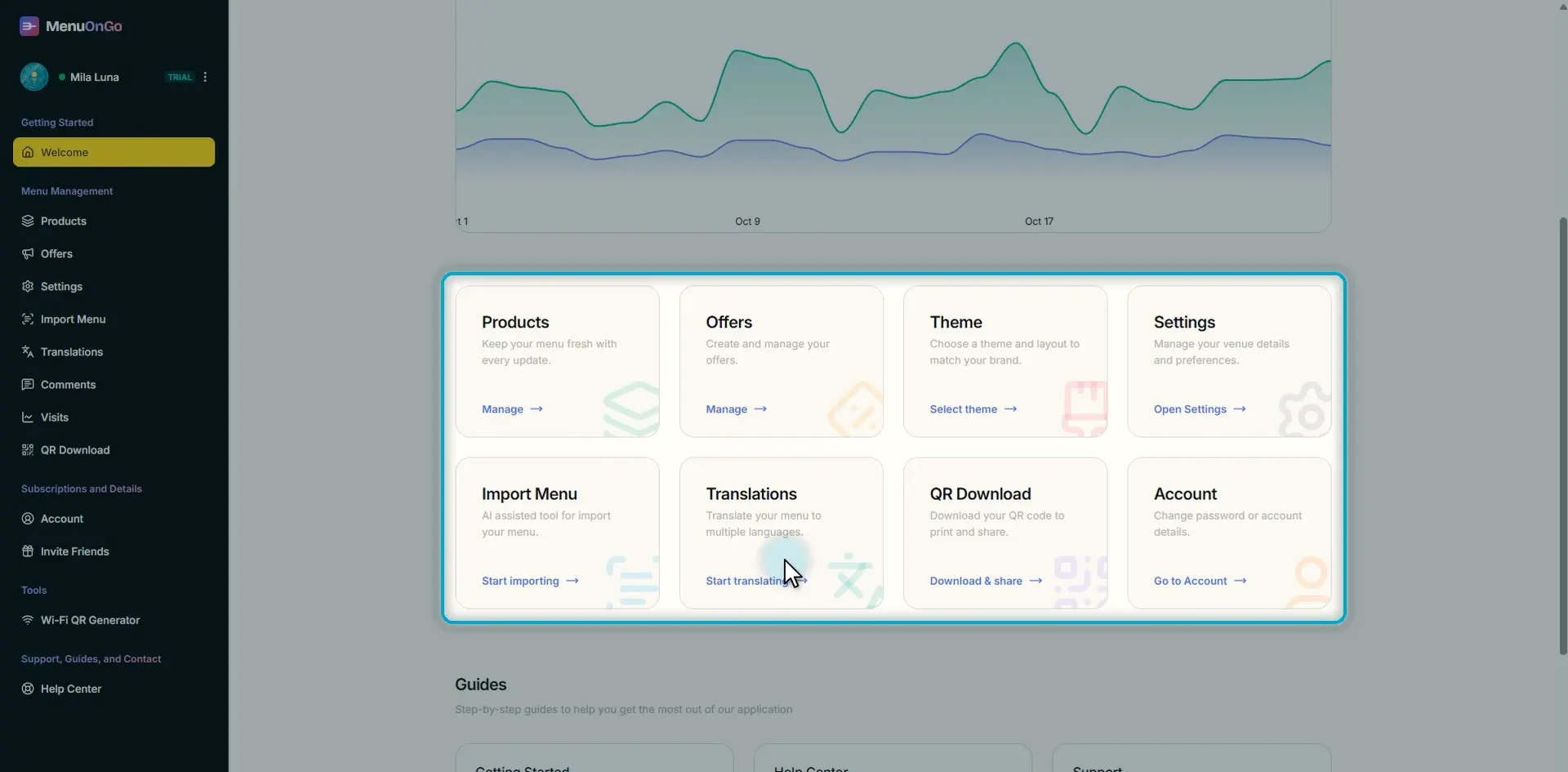
Every tool you need is in the sidebar on the left.
-
The Welcome page shows how many guests visit your menu, at a glance.

-
The shortcuts on the page take you straight to each task.
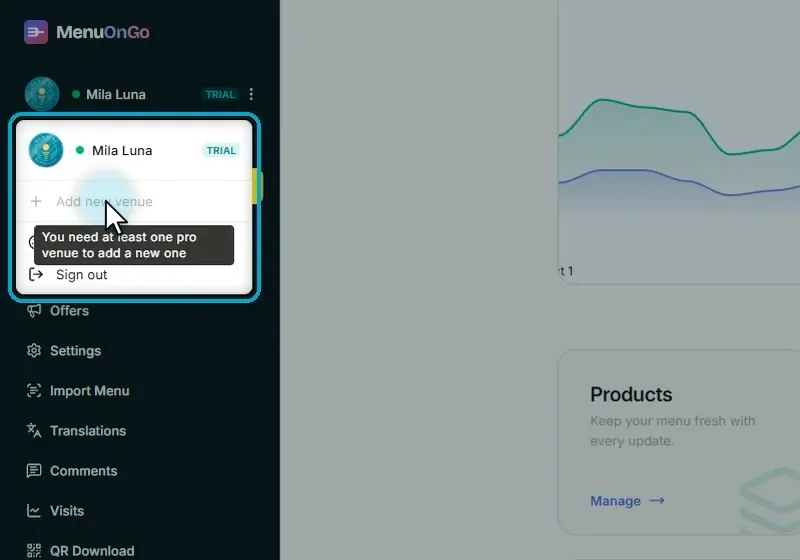
Running more than one venue?
Open the venue menu at the bottom of the sidebar and click Add new venue. With Pro, you add each new venue in just a few clicks, and all your venues stay in one account.