
Restaurant Photos on Google: Why Yours Should Outrank Your Customers'
Open your restaurant’s Google listing and scroll the photos. Really look.
Somewhere in there is a plate shot under a yellow ceiling bulb. A half-eaten burger. A blurry dining room mid-teardown. And very often, a photo somebody took of your printed menu, two price increases ago.
You didn’t upload any of those. You also can’t delete them.
Your Google photo gallery is the one part of your marketing strangers co-author, and for most restaurants the strangers are winning on volume. That’s the problem worth solving.
How the Gallery Actually Works
A few mechanics most operators have never had explained:
- Anyone can add photos to your Business Profile: guests, passersby, someone who ate there once in 2021.
- You can’t remove customer photos for being unflattering. You can report content that breaks Google’s policies, but “bad lighting” isn’t a violation.
- Google decides what surfaces first, based on relevance, recency, and engagement, not on who uploaded it.
- Volume compounds. A busy restaurant collects hundreds of guest photos over the years. If you uploaded twelve in 2019, you’re heavily outnumbered.
So the gallery isn’t a page you control. It’s a space you share, and your only real lever is contribution.
Photos Do Measurable Work
Google’s own Business Profile guidance has long stated that businesses that add photos get 42% more requests for directions on Google Maps and 35% more click-throughs to their websites than businesses that don’t (Google Business Profile Help).
In keeping with how we treat local search data: plenty of photo statistics online (“restaurants with 100+ photos get X% more calls”) have no methodology behind them. Trust the direction; treat the precise multipliers as marketing.
The Menu Photo Problem
Here’s the failure that costs the most and gets noticed least.
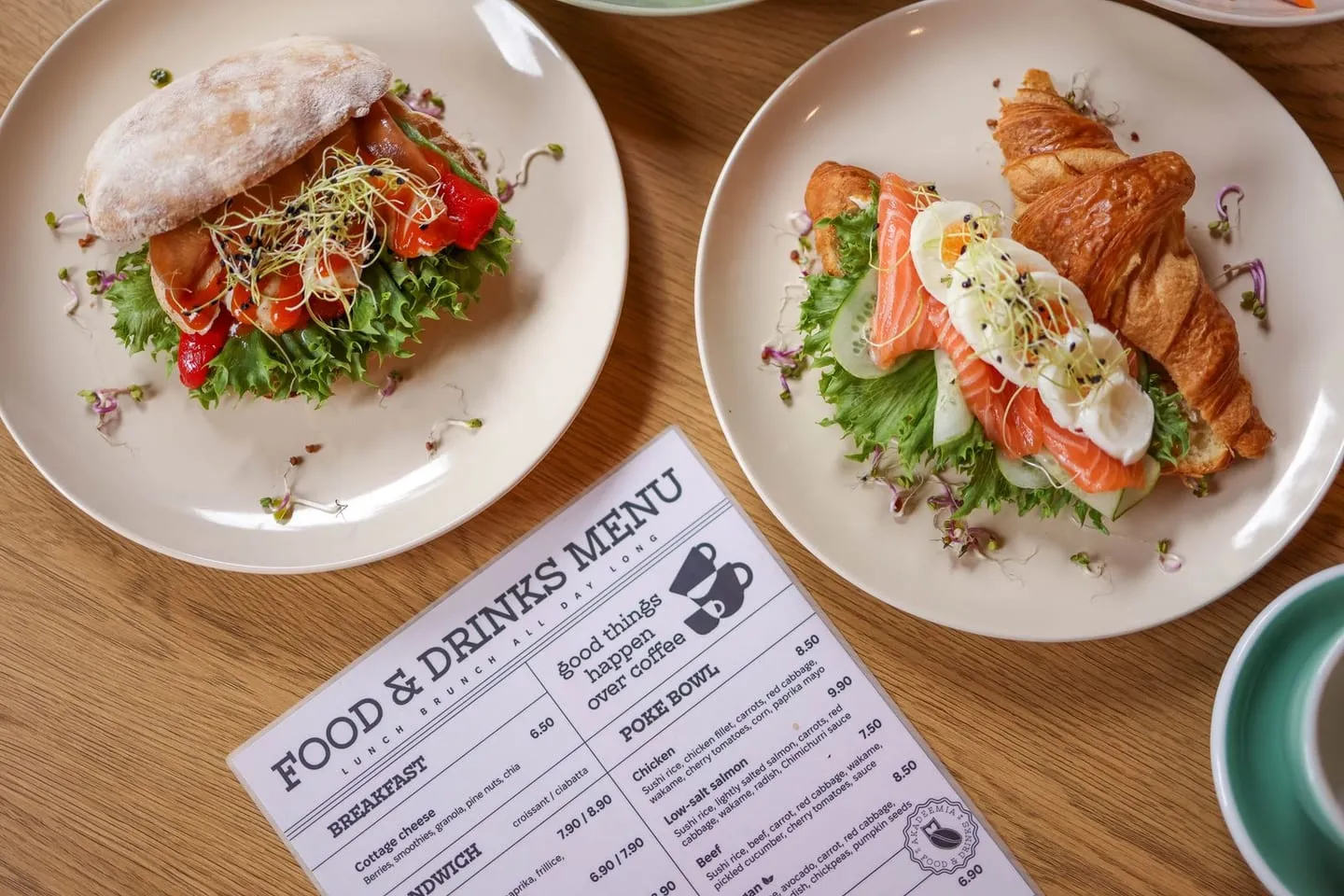
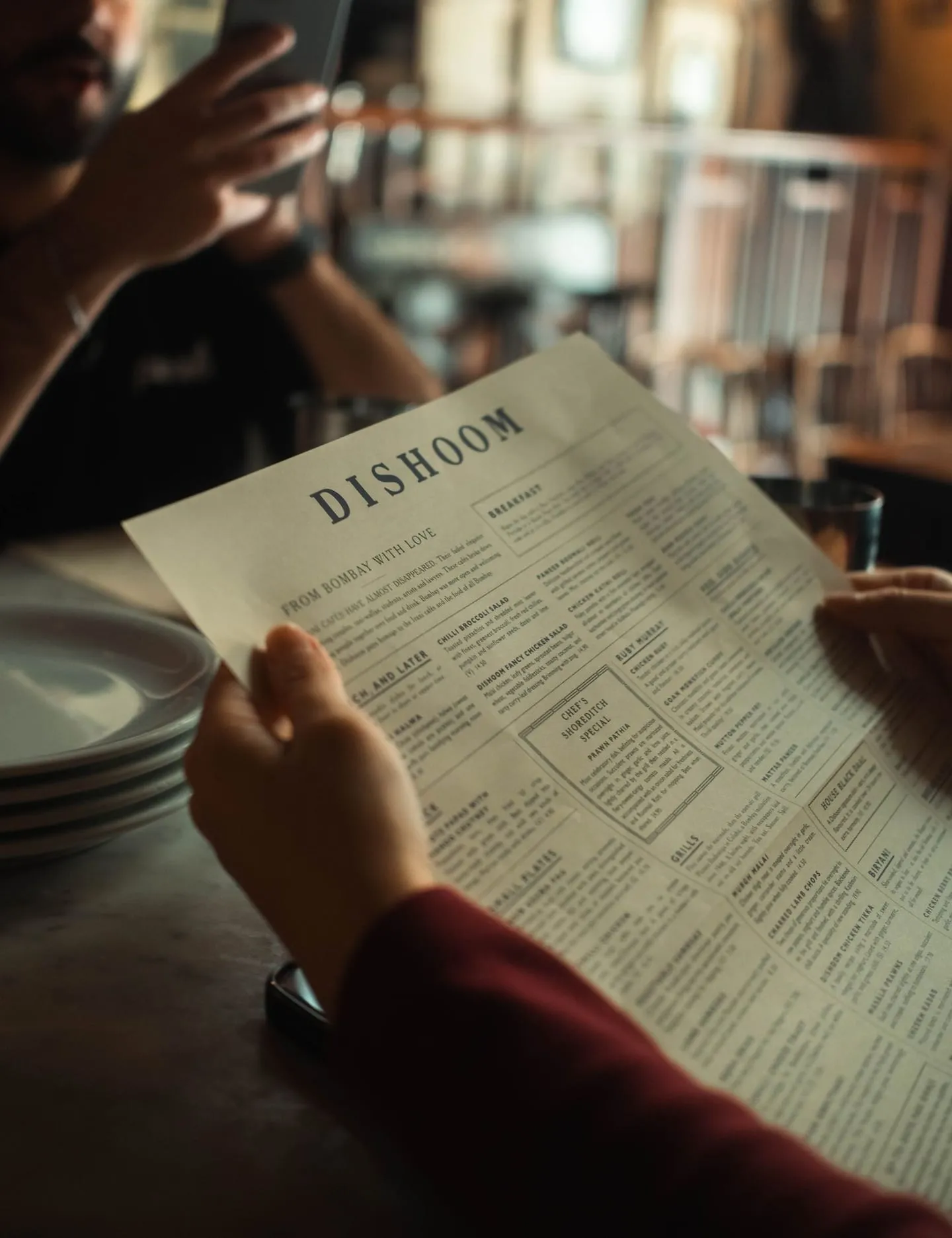
When a guest can’t find a menu online, they do the next best thing: they scroll the photos hunting for a picture of the printed menu. They find one, taken at an angle in dim light, cropped, out of date. Then they screenshot it into the group chat to see whether the prices work for everyone.
Think about what that photo is doing. It’s handling your pricing communication. If prices went up last year, the version being judged is the old one, so either you look cheaper than you are and the table is annoyed when the check arrives, or the photo is unreadable and the group picks somewhere else.
The fix is giving that person something better to find. With MenuOnGo, your menu link goes into the menu field of your Google Business Profile, on every plan including the free one, so the person hunting for a menu finds the real, current one with today’s prices. And because every dish can carry its own photo, the plate a guest is wondering about has a picture you chose, in your light, instead of whichever three dishes strangers happened to shoot. It takes a couple of minutes to scan your printed menu in and paste the link into Google.
The Honest Counterpoint: Don’t Aim for an All-Studio Gallery
Customer photos aren’t purely a liability. They’re social proof. A gallery full of guest-shot images says “real, busy place people care about.” A gallery of exclusively polished studio shots reads like a chain, or like stock photography, and people notice when imagery looks staged.
The goal isn’t to drown out your guests. It’s to make sure the first impression, the cover image and the first few photos someone sees, is yours and is accurate. Let guest photos do what they’re good at underneath.
And don’t over-edit. A dish that looks much better online than on the plate produces a very specific disappointment, and it ends up in a review. Our menu photo and video guide covers shooting and editing in more detail.
A Practical Shot List
If you’re going to spend an hour on this before service, spend it here:
- Exterior, daytime. So someone can recognize your door from the sidewalk. The most under-uploaded category.
- Interior during service, with people in it. Empty rooms look closed.
- Your five to ten best sellers, individually, in natural light.
- One good team photo. Faces build trust in a way rooms don’t.
- Anything distinctive: the patio, the bar, the mural, the open kitchen.
Daylight, close in, from the angle a seated guest sees, no flash. Then keep going. A gallery updated this month reads differently from one last touched three years ago, to guests and to Google.
Your Photos vs. Their Photos
| Factor | Owner-Uploaded Photos | Customer-Uploaded Photos |
|---|---|---|
| Control over what’s shown | Full | None; can’t delete |
| Lighting and framing | Deliberate | Whatever the table had |
| How current it is | As recent as you make it | Frozen on the day it was taken |
| Menu prices shown | Current, if you link a live menu | Often years out of date |
| Coverage of the menu | Every dish, if you want | Whatever people ordered |
| Credibility | Professional, can look staged | Authentic, strong social proof |
| Best role | First impression and dish detail | Volume, atmosphere, proof of life |
Frequently Asked Questions
Can a restaurant delete customer photos from its Google listing? Not for being unflattering. You can report photos that violate Google’s content policies, but there’s no option to remove a legitimate customer photo because it looks bad. The practical response is to add better photos regularly so yours lead.
How many photos should a restaurant have on Google? There’s no verified magic number. What’s defensible is coverage: an exterior shot, the interior during service, individual photos of best sellers, and a team photo, refreshed regularly.
Do photos actually affect how many customers find a restaurant? Google’s Business Profile guidance states businesses with photos receive 42% more requests for directions and 35% more website click-throughs than those without.
Why do customer photos of my printed menu matter? Because when there’s no menu link, guests look for one in your photos, and those pictures are usually outdated and hard to read. Linking a live menu from your profile gives them the current version instead.
Should restaurants only use professional photography on Google? No. An all-studio gallery can look staged. Your photos should lead, the cover and top images, while guest photos add authenticity underneath.
Sources: Google Business Profile Help. Images: Pexels (free to use). Data current as of October 2026.
Read it on your break. Your menu keeps working.
Thirty days of every Pro feature, menu import included, and nothing to pay.