
Choosing and Shooting Images and Videos for Your Digital QR Menu
Most food photography advice is written for Instagram. Moody light, dramatic backgrounds, a plate styled within an inch of its life.
A menu photo has a different job. It isn’t there to be admired. It’s there to answer one question fast: “is this the thing I want?” Sometimes that takes a beautiful photo. Often it just takes an honest, well-lit one. And sometimes, when the appeal is the sizzle or the pour, it takes three seconds of video.
What the Research Says About Food Images
Academic work on menu images is narrower than marketing blogs suggest, but it points somewhere useful.
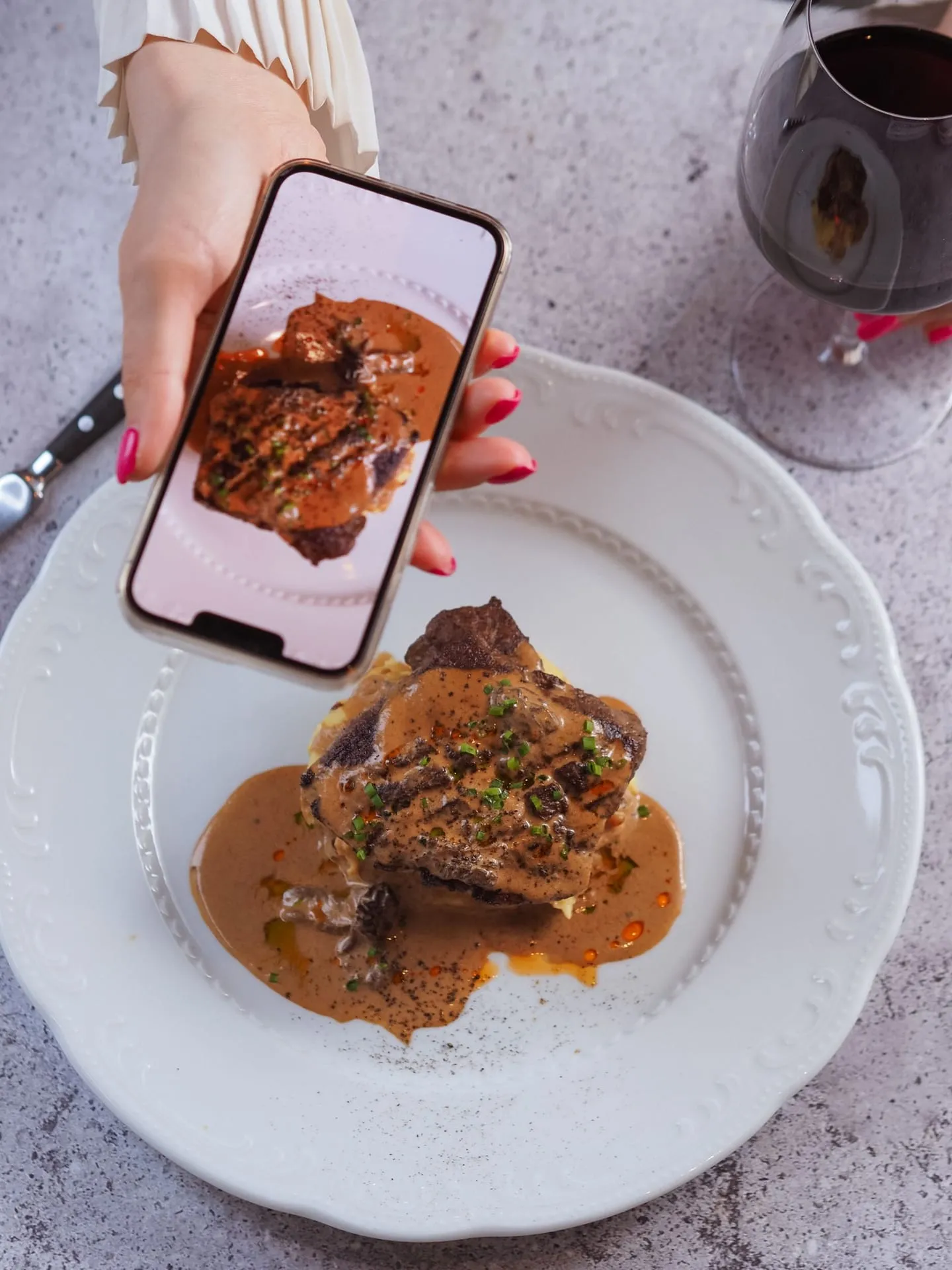
A 2022 study led by Stephanie Liu of Ohio State University’s hospitality management program, published in the Journal of Business Research, tested how photo color affects appetite. Across two online experiments, food photos with higher color saturation made dishes look fresher and tastier and raised people’s willingness to order, and the effect was strongest when the food was shown from farther away (Ohio State News). Close-ups, which already show texture, benefited less.
Two practical lessons follow. Color and light matter more than camera quality. And a close crop does a lot of the work that heavy editing would otherwise try to do.
Be skeptical of the big numbers you’ll see elsewhere (“photos raise sales 30%!”). Many come from vendors measuring their own customers. The direction is reasonable; the precise lift isn’t something you should plan around.
Decide Which Dishes Get Photos First
Photographing all 60 items is the most common mistake, and it costs twice: time and page weight. A better order:
- Your five to eight best sellers. Most revenue, most guest expectation.
- Anything with an unfamiliar name. If a guest can’t picture “romesco” or “sope,” the photo is doing real explanatory work.
- High-margin items you want to sell more of. That’s where an image has the most leverage.
Skip dishes that photograph badly and always will: brown stews, most soups, anything beige. A confident written description beats a sad photo of chili. Skip ordinary drinks too.
The Practical Shooting Guide
You don’t need a photographer for most of this. You need a window and about two hours before service.
Light
- Natural, indirect daylight near a window is the whole game. Turn off overhead lights; mixing warm bulbs and daylight produces the sickly cast you see on most restaurant photos.
- No flash. It flattens texture and makes sauces look like plastic.
- A white foam board or even a napkin opposite the window fills shadows. It fixes more photos than any app.
Angle
- 45 degrees for anything with height: burgers, stacked sandwiches, layered bowls. It’s how a seated guest sees the plate.
- Overhead for pizza, flat plates, and platters.
- Straight on for drinks and layered desserts.
Styling
- Wipe the plate rim. Every time.
- Clear the frame of everything that isn’t the dish.
- Garnish right before the shot and shoot the moment the plate leaves the pass. Food looks tired within about ninety seconds.
Consistency beats perfection. Twelve photos shot the same way on the same surface look better together than twelve gorgeous shots in twelve styles.
The Editing Line You Shouldn’t Cross
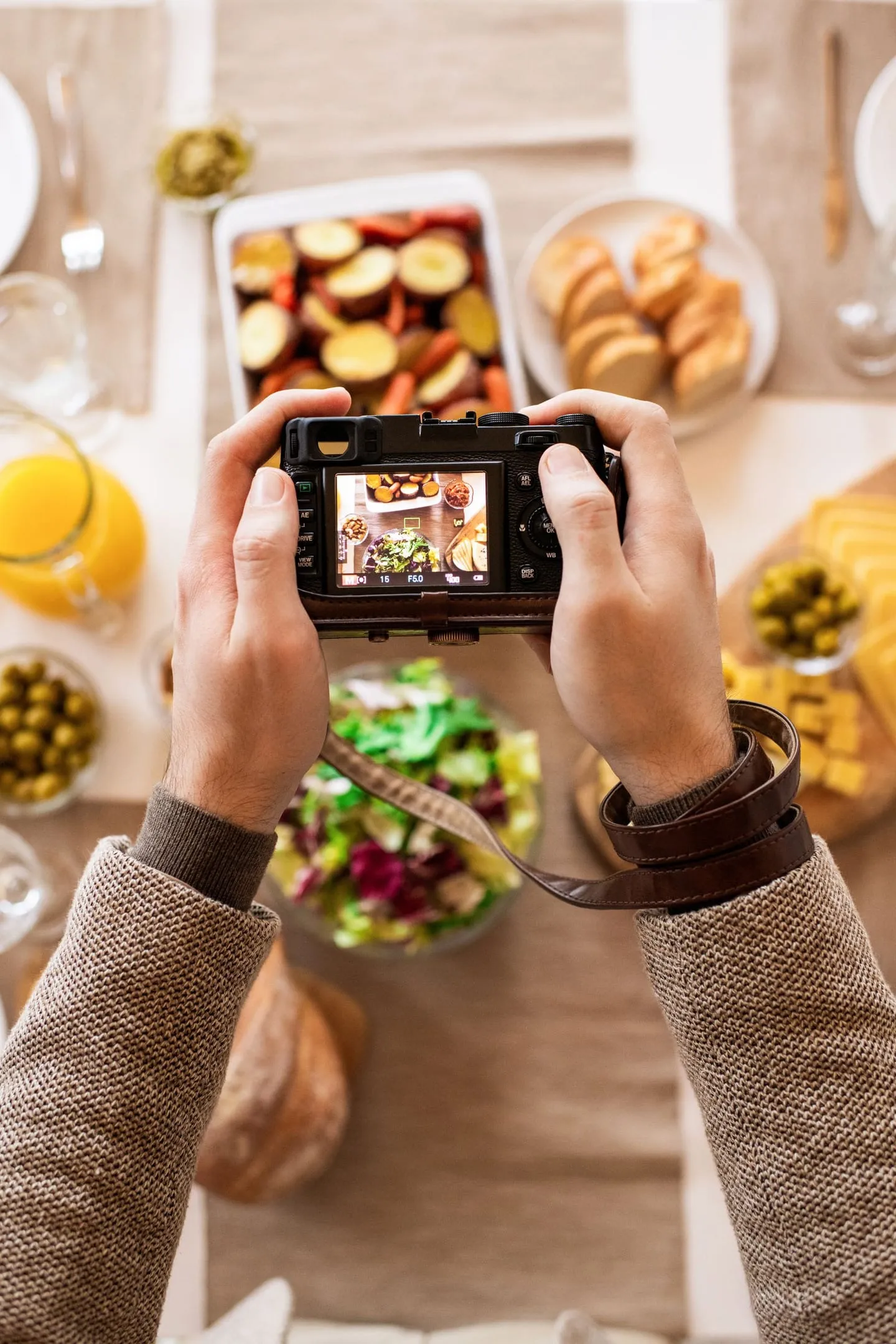
Brightness, white balance, a little saturation, a crop: fine, and the Ohio State work suggests color genuinely helps. What isn’t fine is making the dish look like something it isn’t, deepening a sauce, adding sheen, removing two shrimp so the portion looks generous. That produces a specific disappointment that lands in reviews.
The test: would a guest holding the actual plate feel the photo was accurate? If not, reshoot the dish.
Same for AI-generated images, which are cheap and tempting. An AI burger is not your burger.
Video: Where It Earns Its Place
Video on a menu works when the motion is the appeal: the cheese pull, the sauce pour, the flambé, steam curling off a bowl, latte art blooming across an espresso. A three-second clip tells a guest about texture and portion in a way no photo or sentence can, and it reaches them at the exact moment that matters: menu open, seated, nothing ordered yet.
It also works for anything time-limited. A seasonal special or a happy-hour offer catches the eye in motion in a way a static banner never does.
Not worth shooting: a slowly rotating plate. That’s page weight with no information.
Technical rules: 3–8 seconds, muted, looping, shot vertical or square for a phone held upright, one clip per screen. Assume the sound is off; it always is. If a clip carries information a guest needs, describe it in text too, so it’s accessible.
This is where MenuOnGo fits naturally. On Pro, a short video can sit on the dish it’s selling rather than in a block at the top of the page, and campaigns with video let you put a limited-time offer in front of seated guests the same morning you decide to run it, then pull it when it’s done. Photos are on every plan, including the free one. You can try every Pro feature free for 30 days and see which dishes a clip actually moves.
The Part Most People Skip: File Size
This is where beautiful menus go to die.
Google’s Core Web Vitals treat a Largest Contentful Paint under 2.5 seconds as good (web.dev), and unoptimized images are one of the most common reasons pages miss it. Now picture the real conditions: a guest on a crowded patio, two bars of signal, waiting on your 4 MB hero photo. They put the phone down.
| Use | Recommended width | Target file size | Format |
|---|---|---|---|
| Dish photo | 800–1000 px | Under 150 KB | WebP, JPEG fallback |
| Header image | 1200–1600 px | Under 300 KB | WebP |
| Logo | 400 px | Under 50 KB | SVG or PNG |
| Dish or campaign video | 720p, 3–8 seconds | Under 2–3 MB | MP4 (H.264) |
Three habits do most of the work: never upload straight from the camera (a phone photo is 3–5 MB; a menu needs around 150 KB), use WebP where you can, and crop tight, which makes a better photo and a smaller file.
Two Things That Aren’t Optional
Describe the dish in words. Every image needs real text next to it: a dish name and a short description, plus alt text where your platform supports it. Guests using screen readers can’t see your photo, and search engines and AI assistants read text far better than pixels.
Rights. Every image and clip on your menu should be one you shot, one you licensed with a receipt you kept, or one a guest gave you written permission to use. We cover the costs of getting this wrong in the food photo copyright guide.
A Realistic First Session
- Pick your eight highest-priority dishes.
- Clear a table by your best window; same surface for every shot.
- Have the kitchen fire them one at a time, plated properly.
- Shoot each at 45 degrees and overhead, ten frames each.
- For two or three dishes with real motion, shoot a few seconds of video.
- Pick one image per dish, crop, brighten slightly, resize.
Then add two or three dishes a month. Eight excellent photos and a couple of great clips beat sixty mediocre images.
Frequently Asked Questions
Do I need a professional photographer for menu photos? Not for most of a menu. A phone near a window in indirect daylight produces good results for most dishes. A professional earns the fee on a handful of hero shots you’ll also use in advertising.
How many menu items should have photos? Start with five to eight: best sellers, anything with an unfamiliar name, and high-margin items you want to push. Dishes that photograph poorly are often better served by a strong written description.
What size should digital menu images be? Around 800–1000 px wide and under 150 KB for dish photos, ideally WebP. Unresized phone photos of 3–5 MB each are the most common cause of slow digital menus.
Should I put video on my QR menu? Yes, where the motion is the appeal: a cheese pull, a pour, steam, or a limited-time offer you want noticed. Keep clips to 3–8 seconds, muted and looping, one per screen, and describe the dish in text as well.
Does photo color really affect what people order? Research from Ohio State University found more saturated food photos made dishes look fresher and tastier and increased willingness to order, especially for wider shots. Light, honest color correction helps; misrepresenting the dish doesn’t.
Sources: Ohio State University (Liu et al., Journal of Business Research, 2022), web.dev / Google Core Web Vitals documentation. Images: Pexels (free to use). Data current as of October 2026.
Read it on your break. Your menu keeps working.
Thirty days of every Pro feature, menu import included, and nothing to pay.