Bring your menu to life with video
Add header videos for phones and computers, a main video on your home page and a video in an offer.
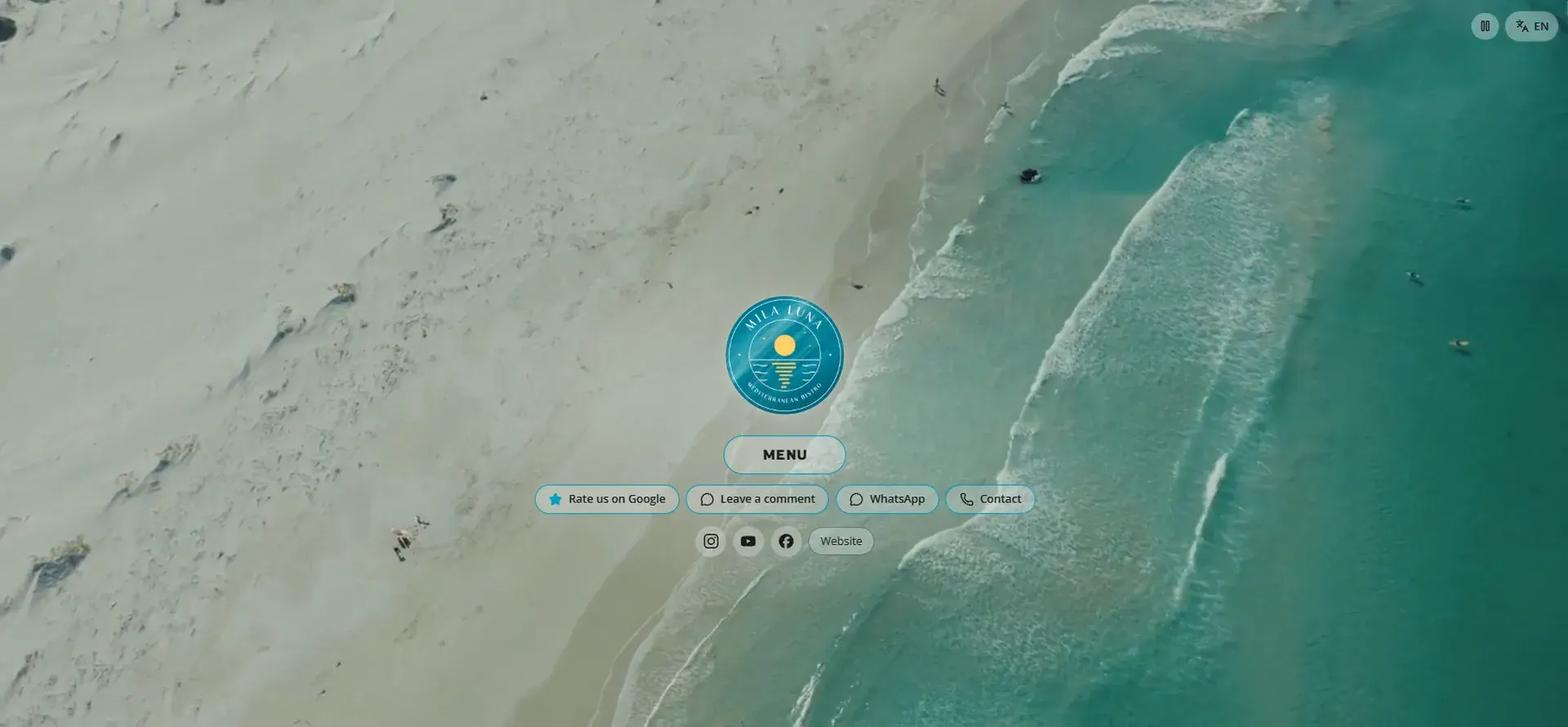
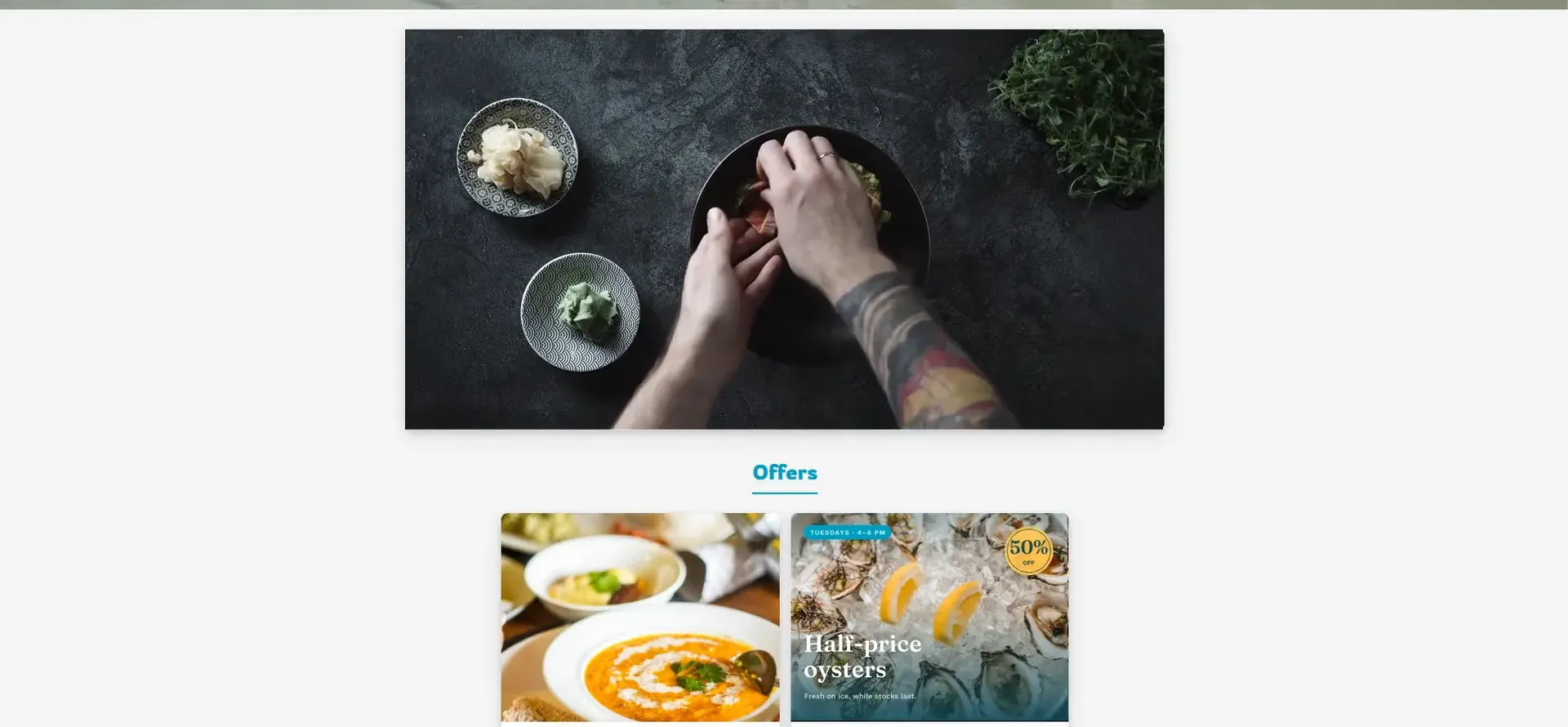
A few seconds of motion makes your menu feel alive: waves behind your logo, a dish being plated, an offer that moves.
What makes a good clip
- Short: 5 to 15 seconds is plenty.
- Bright and steady, with no text on it.
- Silent: guests watch videos muted.
- Vertical for phones, horizontal for computers.
- Your own footage is always the best choice. Stock video must be royalty-free and licensed for commercial use: using copyrighted video without permission can have legal consequences.
Add a video to the header
-
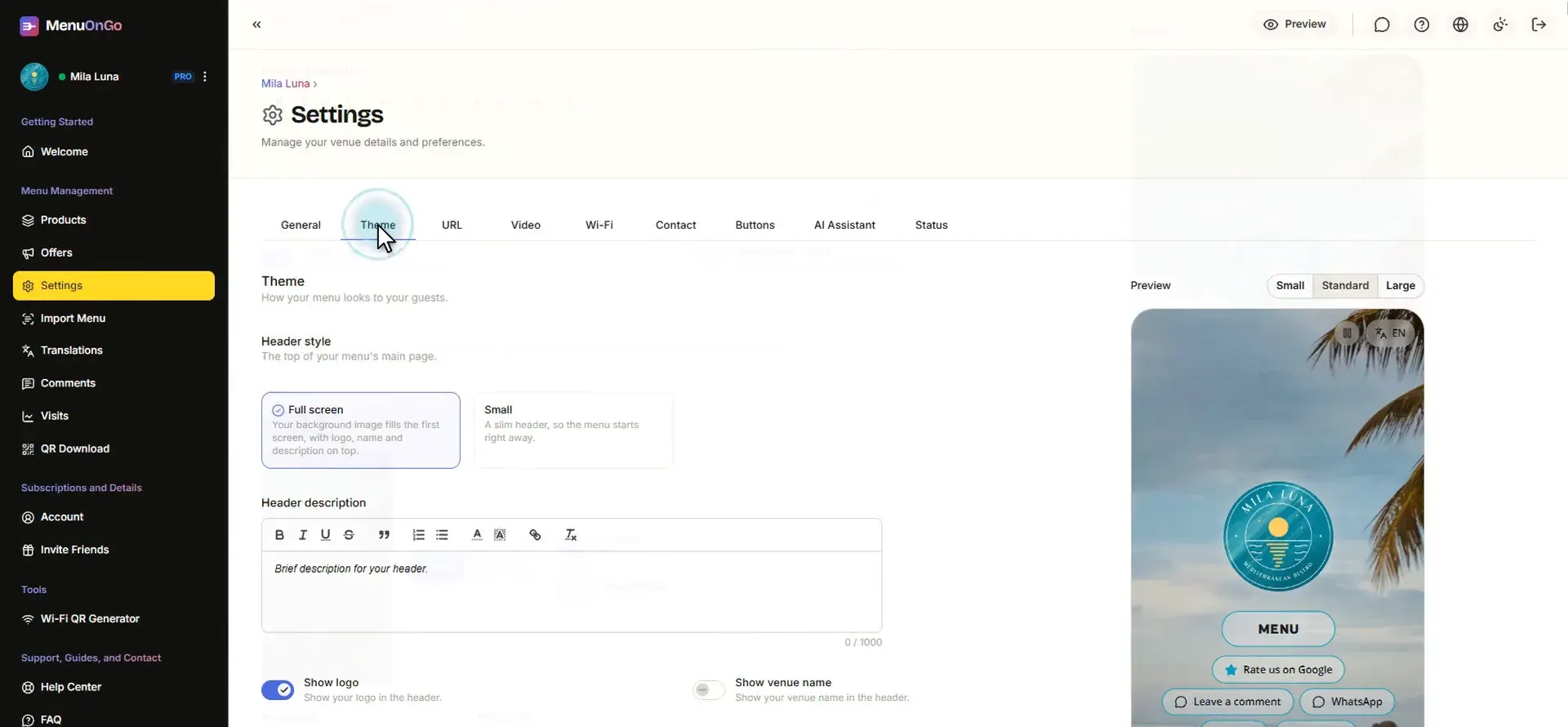
Open Settings and the Theme tab.
-
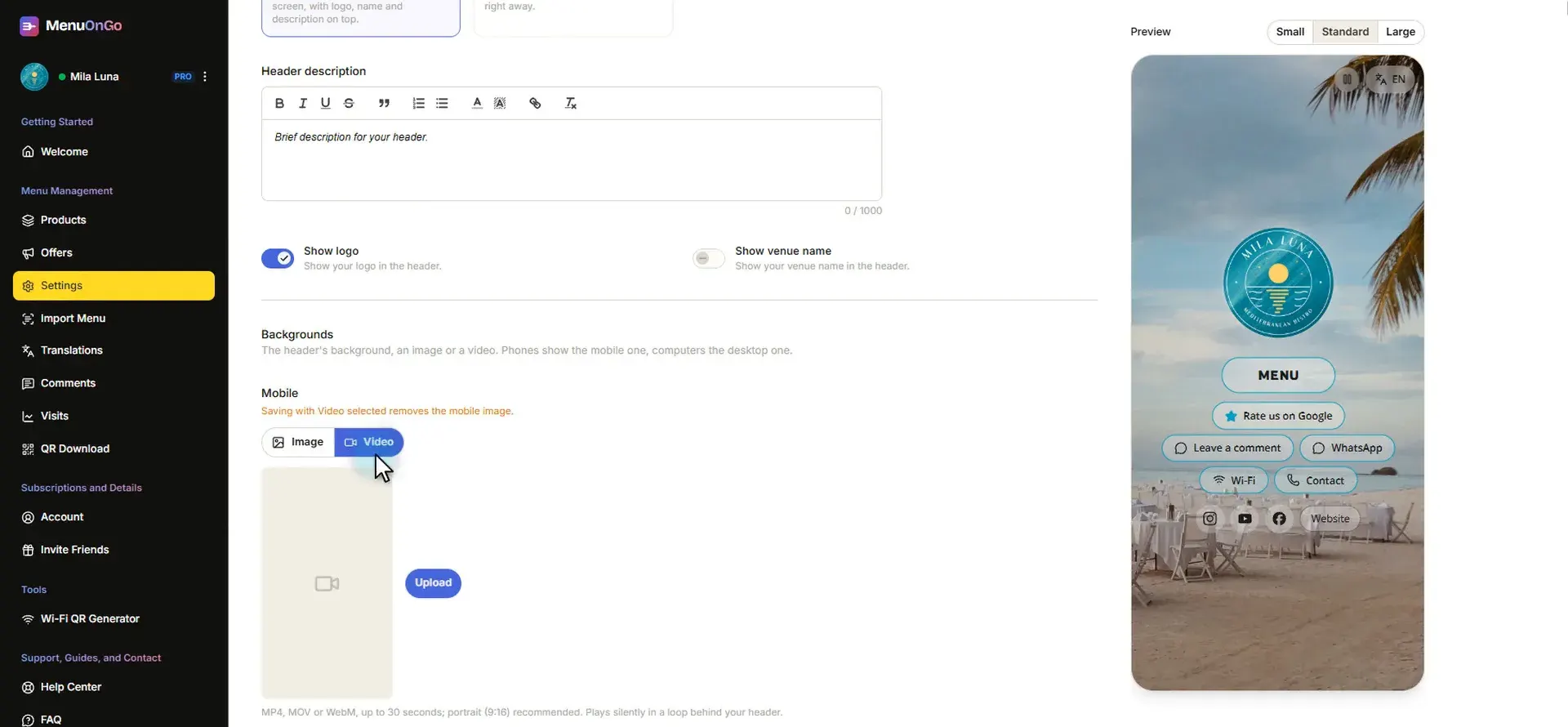
Under Backgrounds, phones and computers each get their own. For phones, switch Mobile to Video, click Upload and choose a vertical video.
-
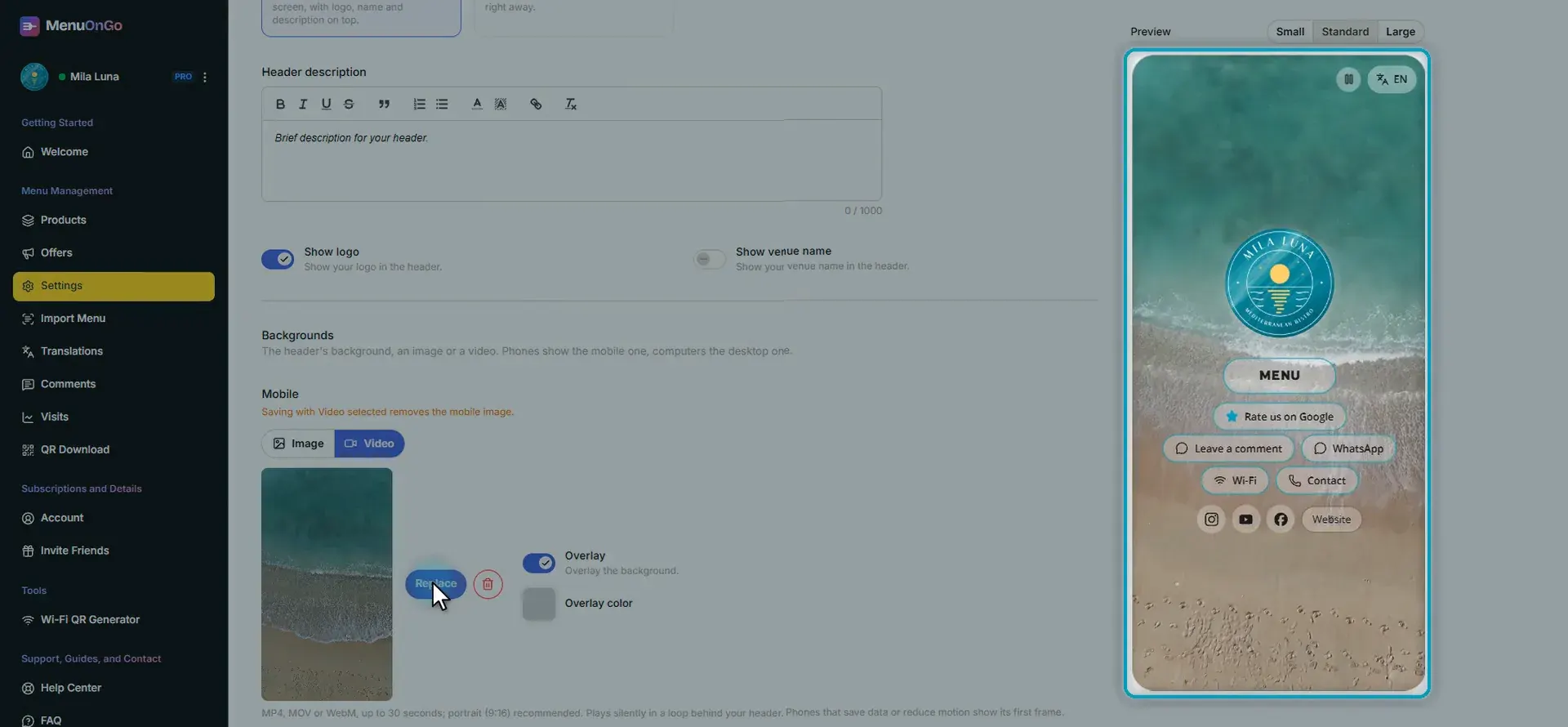
The phone preview now plays your video behind the logo.
-
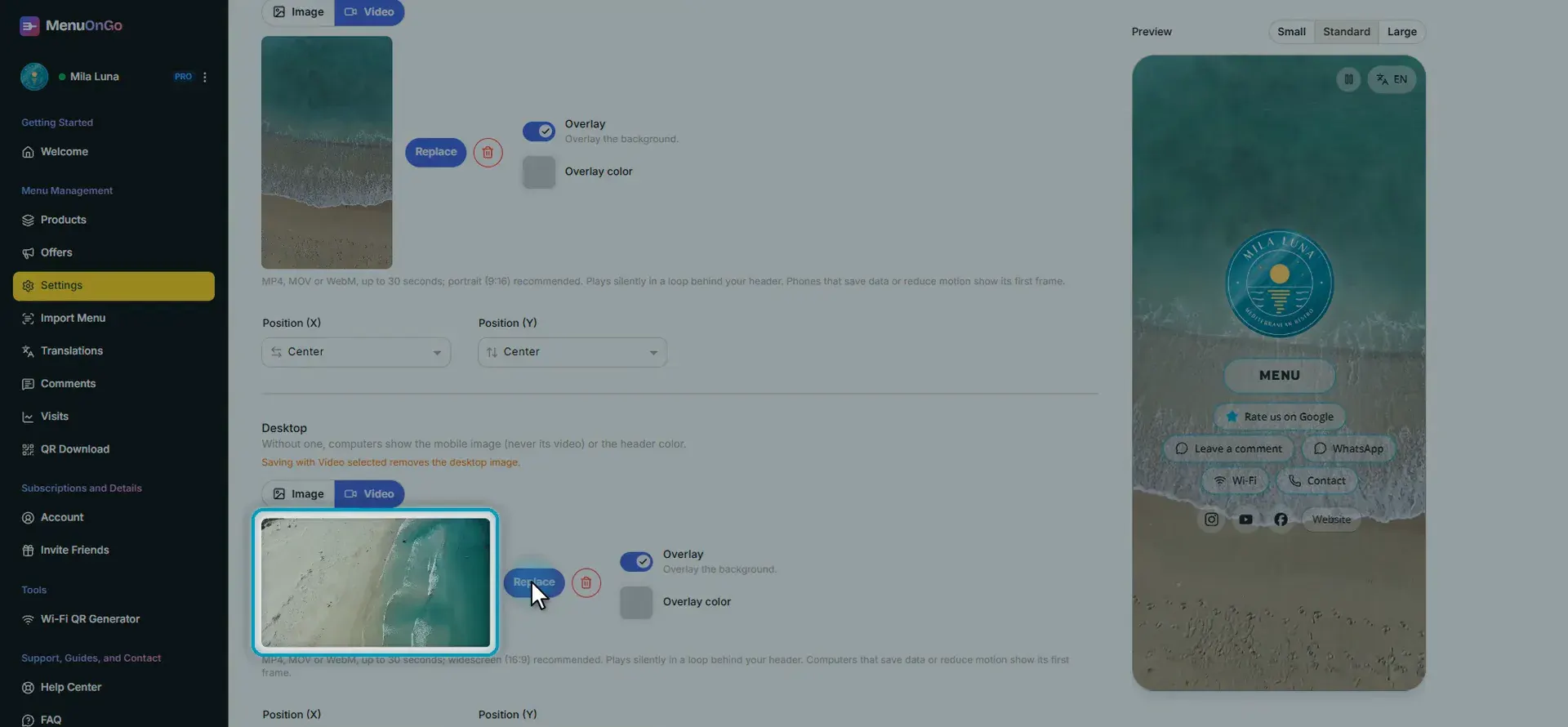
Computers never show the phone video. Under Desktop, switch to Video too and upload a horizontal video. Header videos can be up to 30 seconds and play in a loop.
-
Click Save.
Add the main video
-
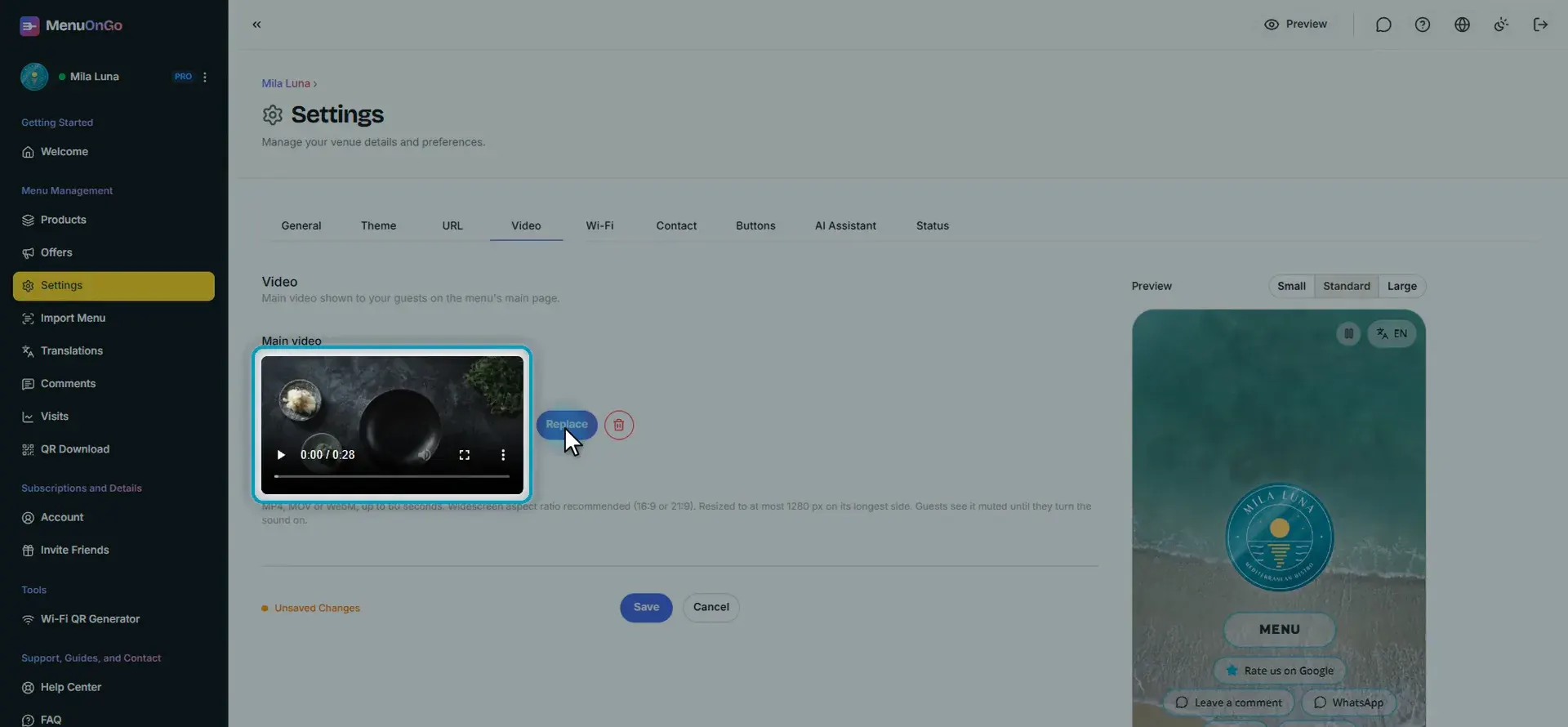
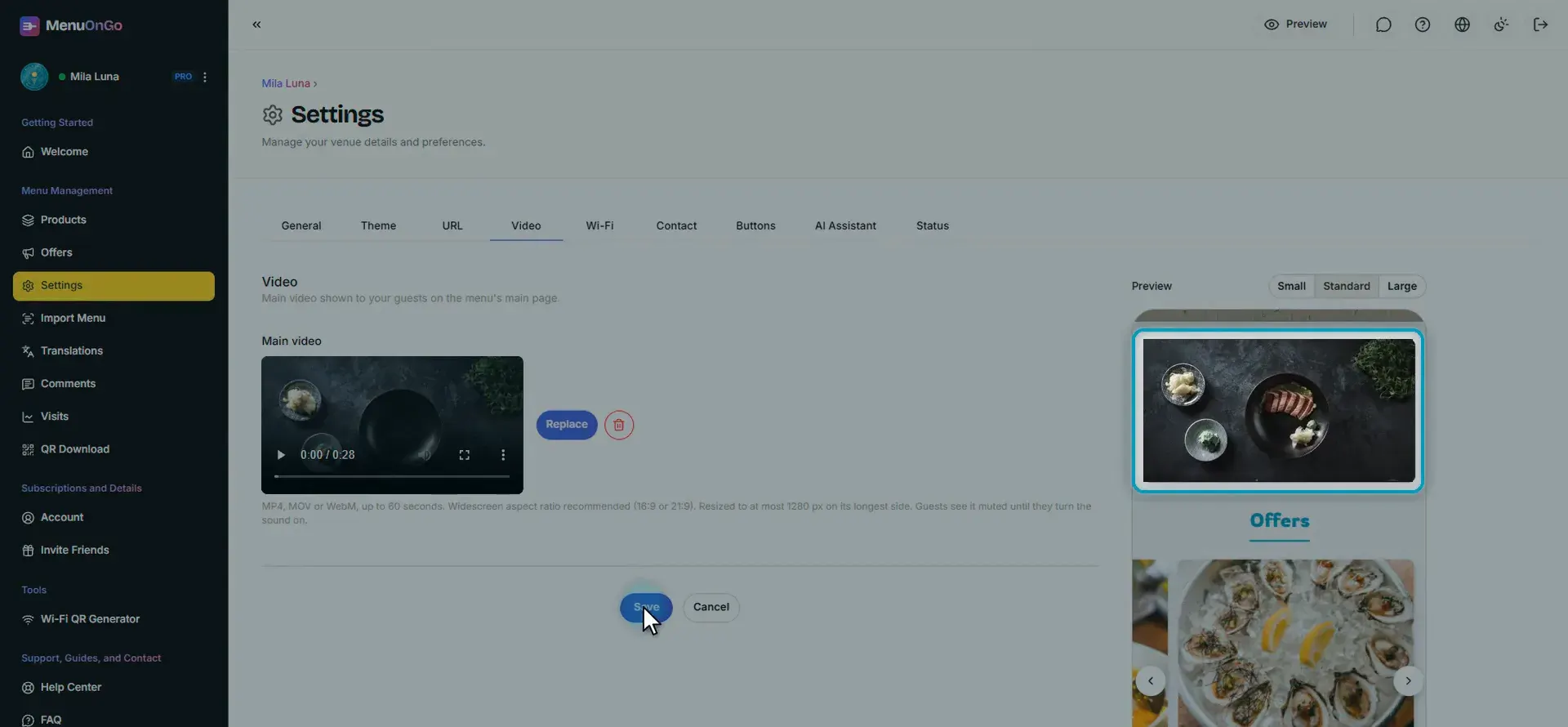
Open the Video tab and upload a widescreen video of up to 60 seconds. Guests see it muted until they turn the sound on.
-
Click Save. The video plays on your home page, right under the header.
Put a video in an offer
-
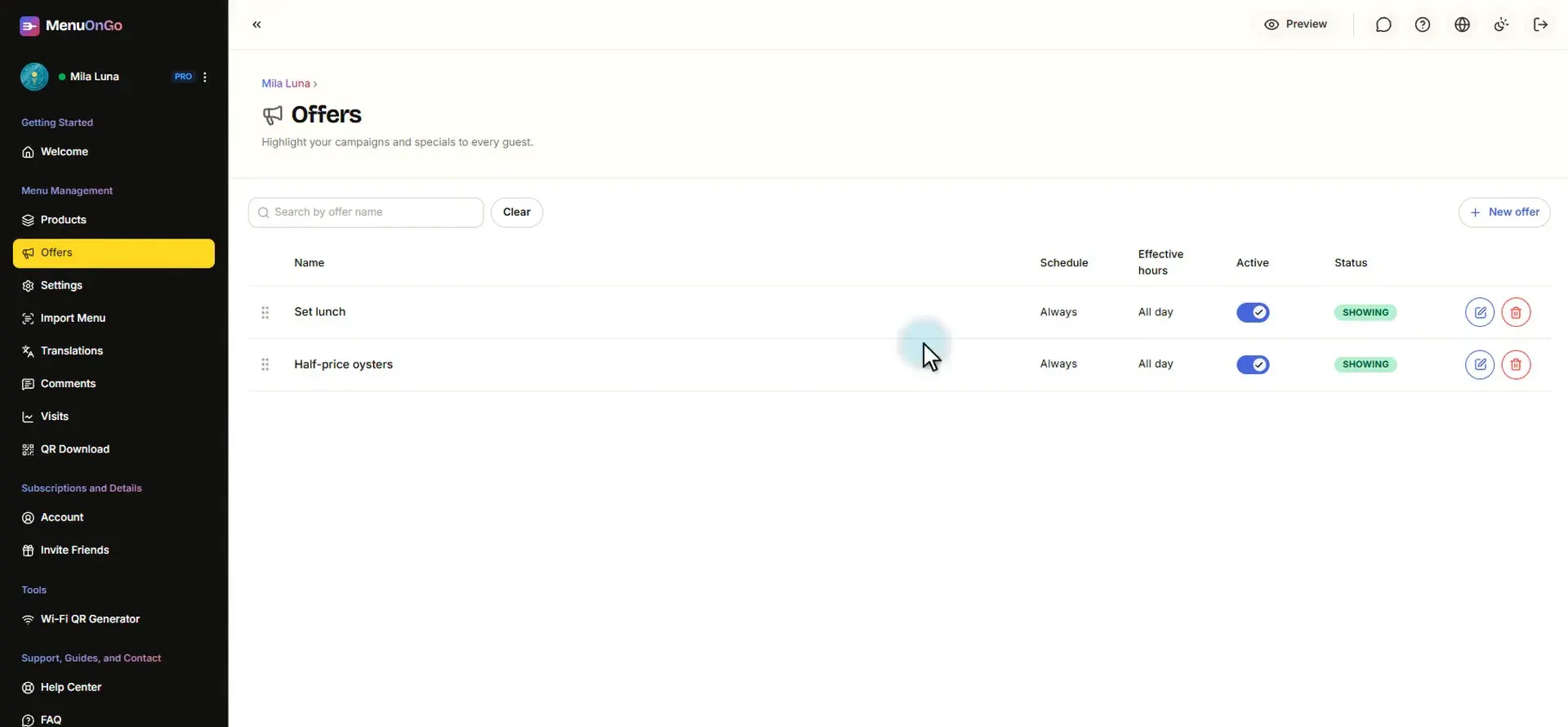
Open Offers and click the pencil next to the offer.
-
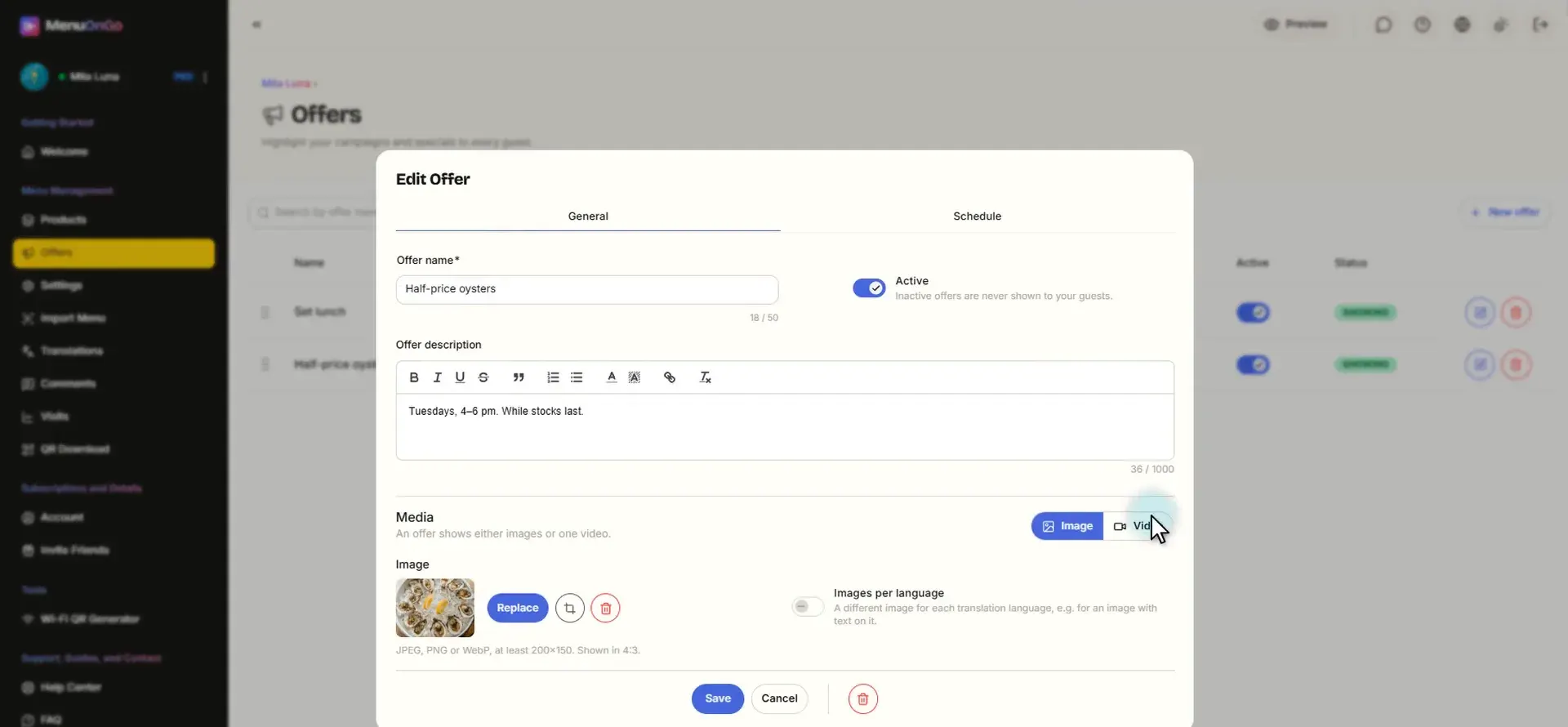
Under Media, switch to Video. Saving with Video replaces the offer’s photos.
-
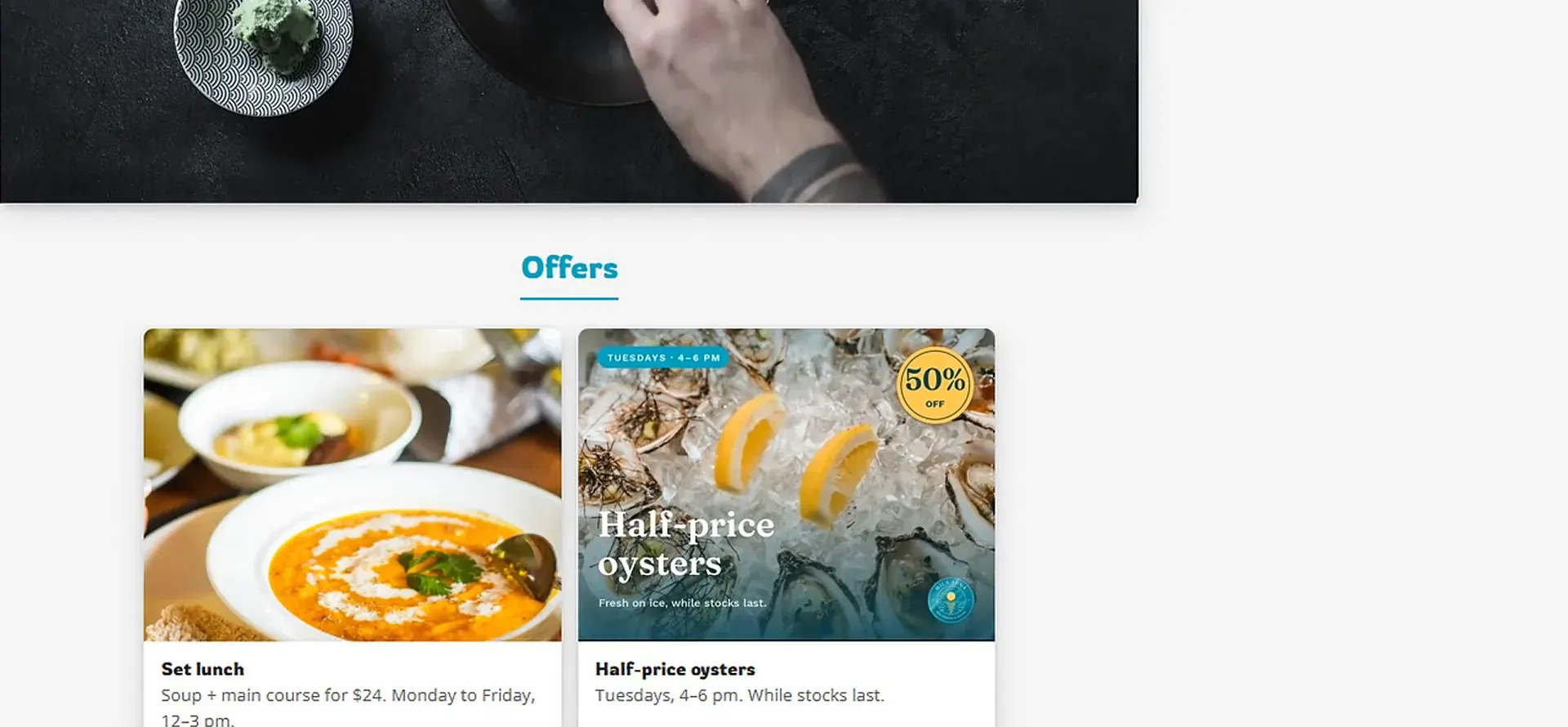
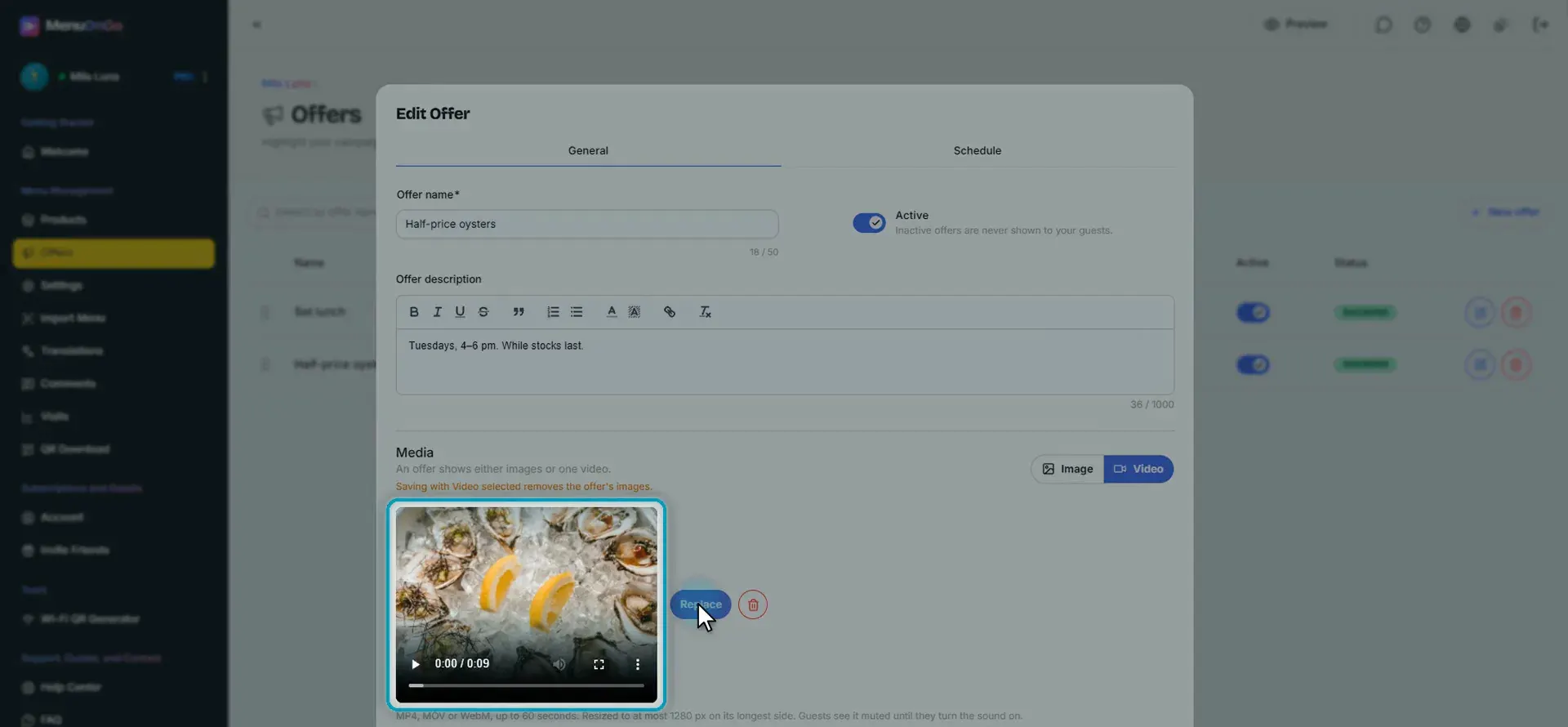
Upload your clip and click Save. A short animated promo works great here.
Here is the result on a computer: waves in the header, your main video on the home page and the offer, now in motion. Short, bright and silent: your menu comes to life.